FAQ
How do I use this thing?
 icon should be displayed in the top left corner of any listing . Clicking on it opens a new tab where a draft of the listing is created on your target platforms. You should review this draft carefully, and if you are happy with it, submit it.
What to do if the icon not showing up?
Doing a hard refresh (Ctrl+Shift+R on Windows, Cmd+Shift+R on Mac) might work. Restarting the browser also might help. If neither of these help, try this experimental webpage: https://www.listelf.com/crosslist
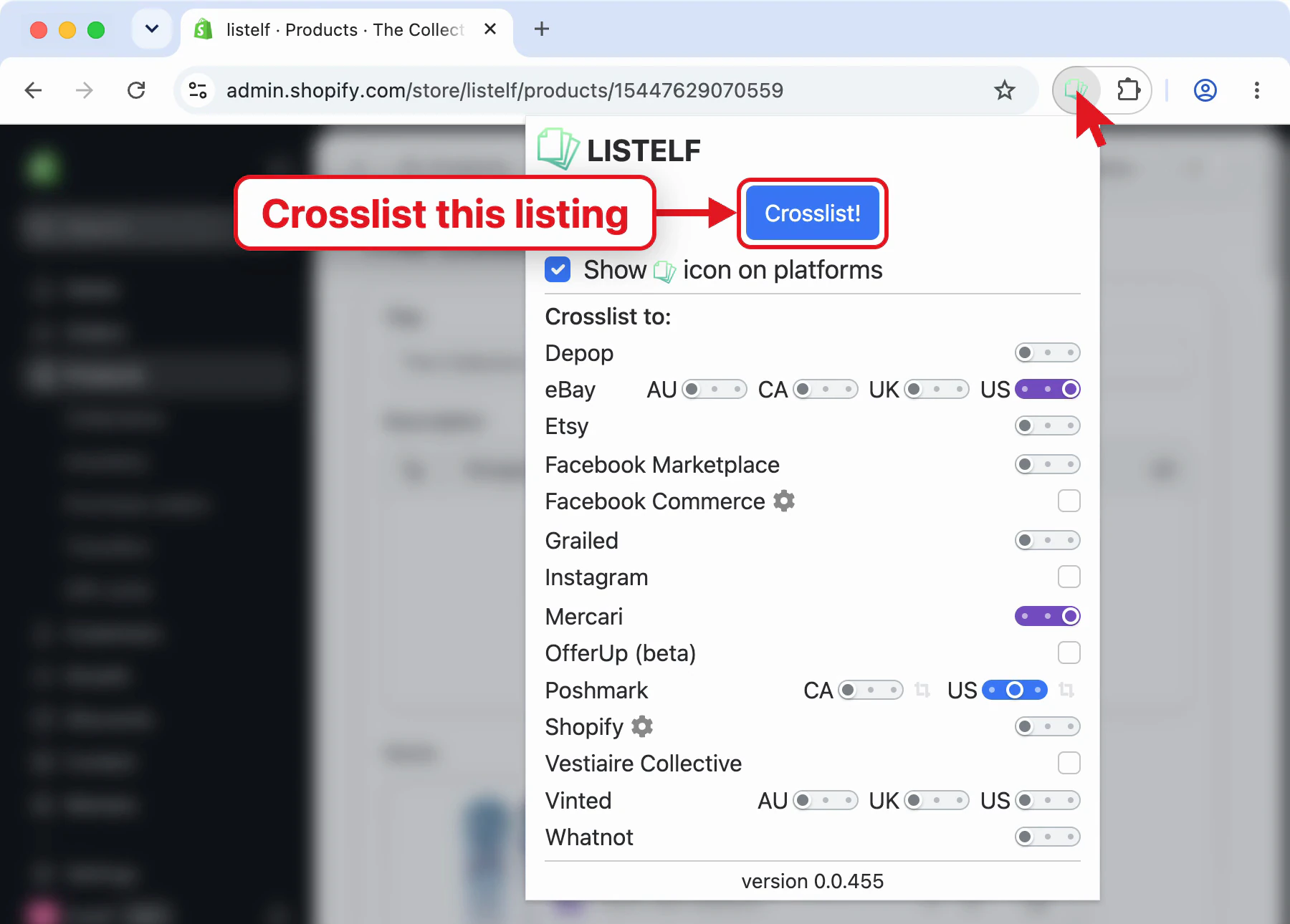
If the icon is not displayed for a listing, you can also bring up the extensions's popup window and use the "Crosslist!" button .
How much does this cost?
Which platforms are supported?
| Platform | Crosslist from | Crosslist to |
|---|---|---|
| Amazon | Yes | No |
| Depop | Yes | Yes |
| eBay | Yes | Yes |
| Etsy | Yes | Yes |
| Facebook Commerce | Yes | Yes |
| Facebook Marketplace | Yes | Yes |
| Grailed | Yes | Yes |
| Yes | Yes | |
| Mercari | Yes | Yes |
| OfferUp | Yes | Yes (beta) |
| Poshmark | Yes | Yes |
| Shopify | Yes | Yes |
| Vinted | Yes | Yes |
| Walmart | Yes | No |
| Whatnot | Yes | Yes |
Do I need to connect my selling accounts to Listelf?
No. Listelf uses your current browser session to crosslist. This means that:
- If you can access a listing on a supported selling platform via your Chrome browser, you can use Listelf to crosslist from this source.
- If you're logged into a target selling platform where you wish to list your item, Listelf will be able to open the listing form on this platform, making it your crosslisting target.
Can I crosslist from eBay/Poshmark Canada to eBay/Poshmark US (or vice versa)?
Yes. Since there's no need to "connect" accounts with Listelf (as mentioned in the previous paragraph), it does not matter which account you are crosslisting from. The only requirements are the following:
- Being able to open the source listing in your web browser.
- Being logged into the target selling account, so the extension can bring up the listing form.
I'm in Australia. Can I still crosslist?
I'm in Canada. Can I still crosslist?
I'm in the United Kingdom. Can I still crosslist?
How do I access the extension's settings?
icon in the top right corner of your Chrome to bring up the popup window. If the icon is not visible, you might need to click on the  icon first.
Is there a limit on how many items I can cross-list?
Help! I can not crosslist to Depop/Etsy!
Please ensure that your seller account is properly set up on the platforms you want to crosslist to. Often, these platforms require users to upgrade from a basic account to a seller account in order to list items for sale. A common mistake is not upgrading to a seller account, which prevents the extension from functioning correctly. Before using the extension, it's a good idea to verify that you can list items manually on each platform.
In case of Depop, it's not enough for the mobile app to be set up. Please confirm that you are able to list using Depop's website manually before trying to crosslist with the extension.
Help! I can not crosslist to Etsy because the extension just takes me to my shop's listings' page!
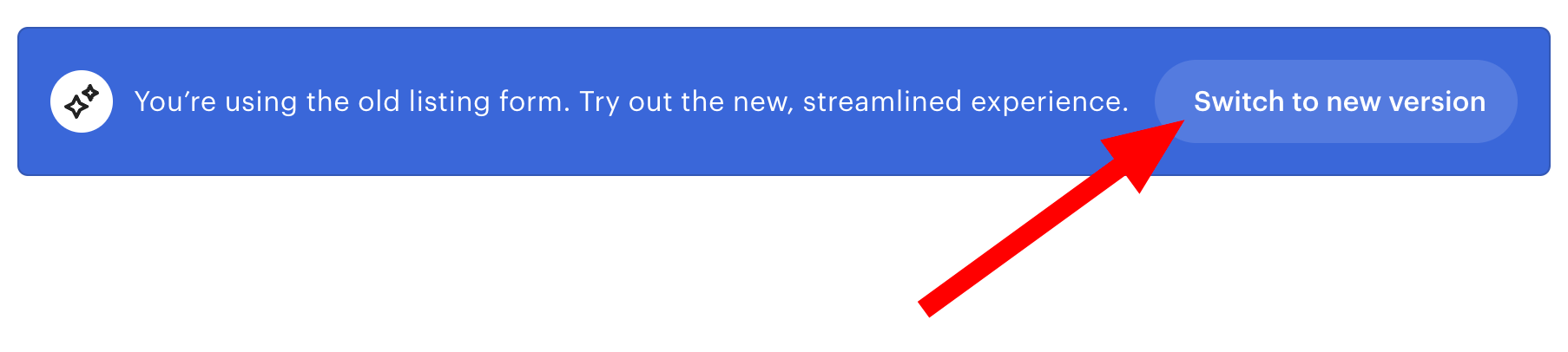
Make sure that you are using Etsy's *new* listing form. It will not work with the old listing form.
How can I hide the icon on the listings?
icon on platforms" checkbox in the extension's settings.How do I crosslist from Facebook Marketplace?
You should see the
icon appearing in the top left corner of your listings. Click these to start copying to other platforms.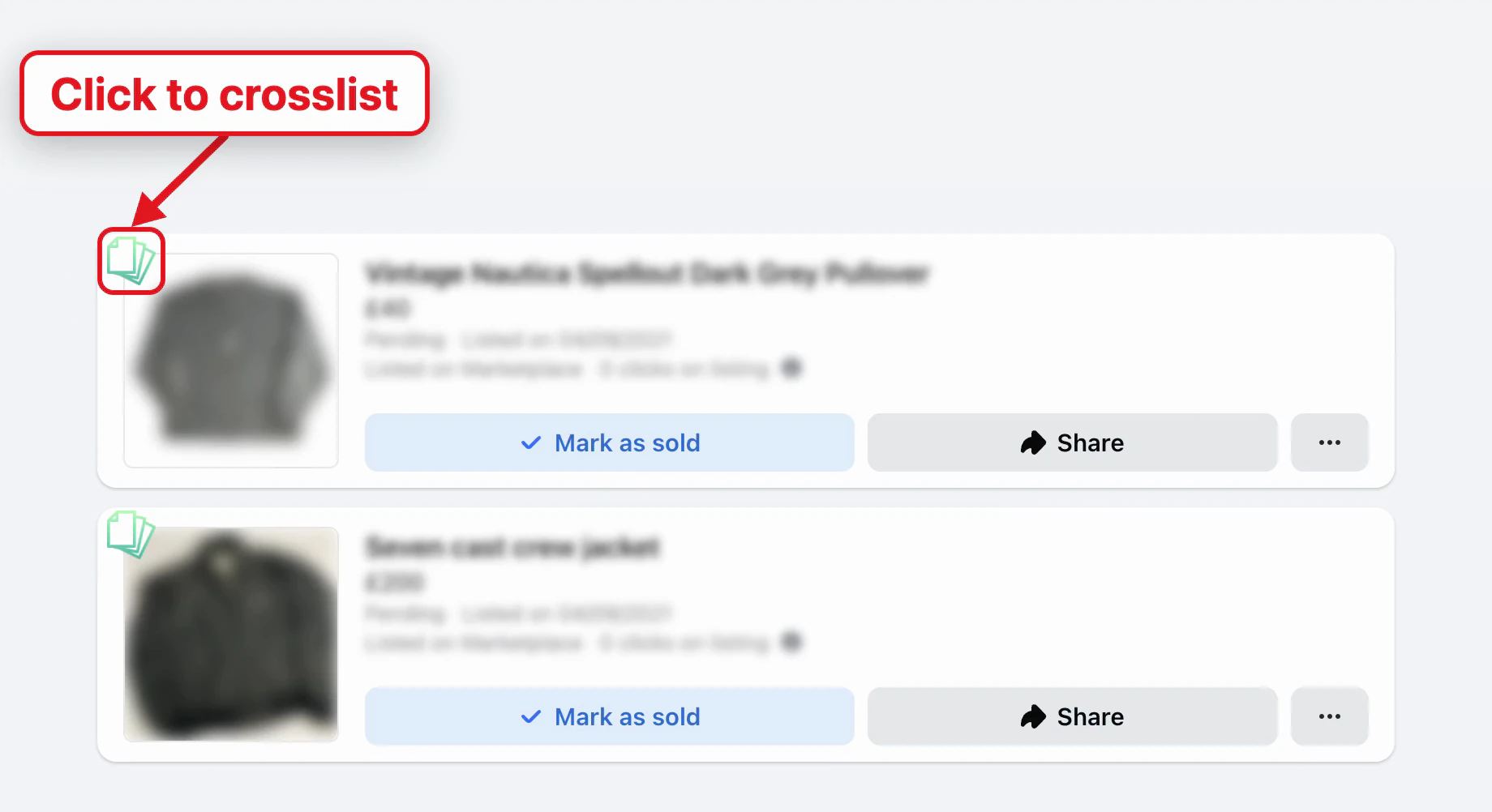
How do I crosslist to Facebook Commerce?
How can I crosslist to Instagram?
How do I crosslist to Shopify?
How do I crosslist from Shopify?
How do I crosslist to OfferUp?
How do I crosslist from OfferUp?
icon is in the top left corner of its photos. Your profile page shows it on each of your listings too.How do I crosslist multiple items at once?
Press and hold the Control (on Windows) or Cmd (on Mac) key and click on the green icon. This will start crosslisting the given item in a background tab. Click on multiple items to start crosslisting multiple items at once. See this video for a demonstration.
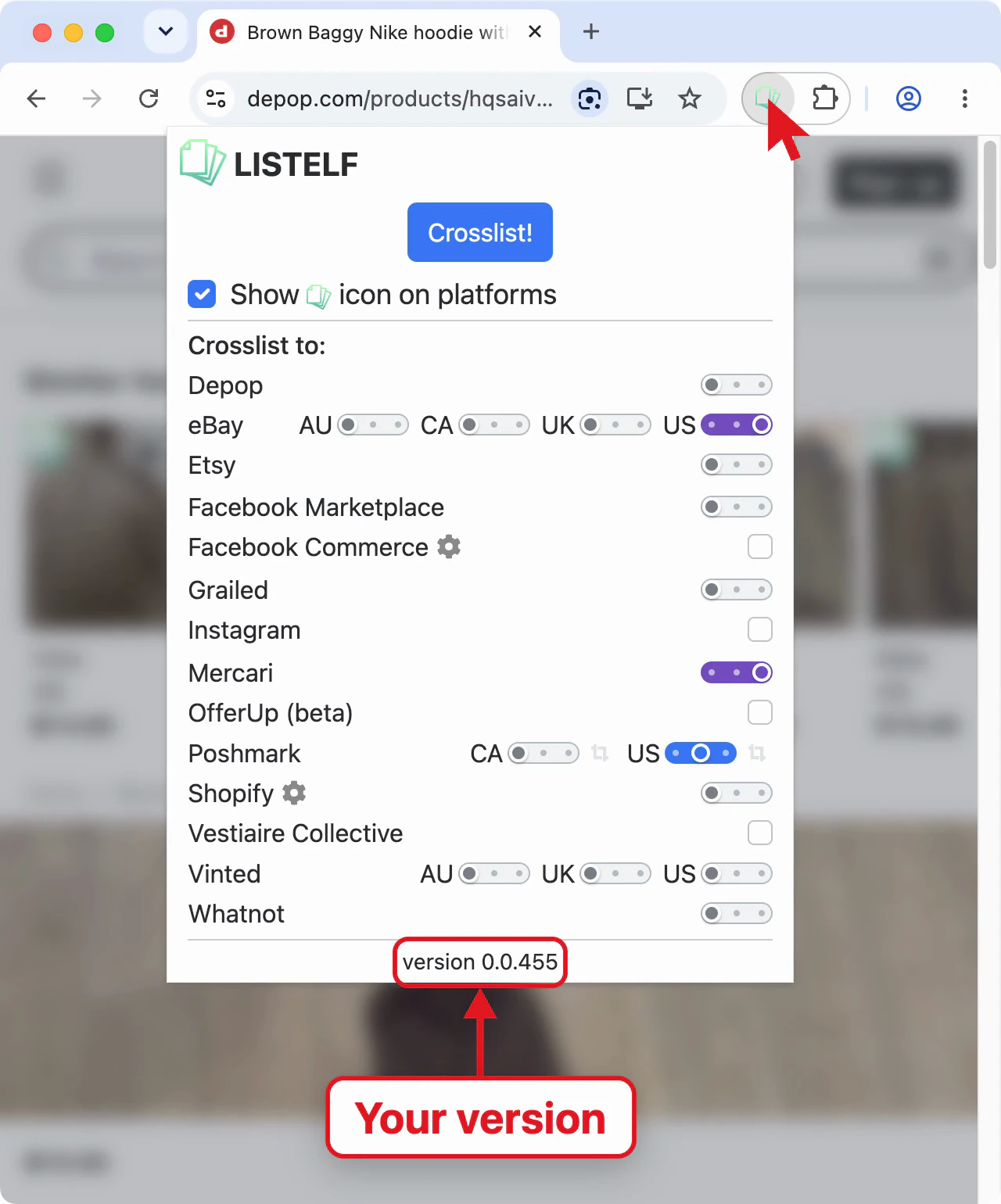
How do I know which version I'm running?
I'm seeing some weird errors, for example only the first photo is copied!
Also, try to keep the tab you're crosslisting to active while using the extension. Modern browsers often throttle or pause background tabs to save system resources, which can interfere with how certain actions (like copying photos) are performed.
If the problem still doesn't go away, please send an email to [email protected] describing the issue in some detail. Screenshots/videos are always appreciated as they can greatly speed up resolving issues. Please also include a link to the specific listing you are trying to crosslist.
How do I cancel my subscription?
- Go to the subscription page: https://www.listelf.com/subscription
- Click on the "Change subscription" button.
- This should open the Stripe form where you are able to cancel.
You will still be able to use Listelf for the remainder of your current subscription period but you will not be charged again.